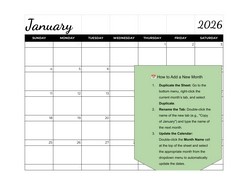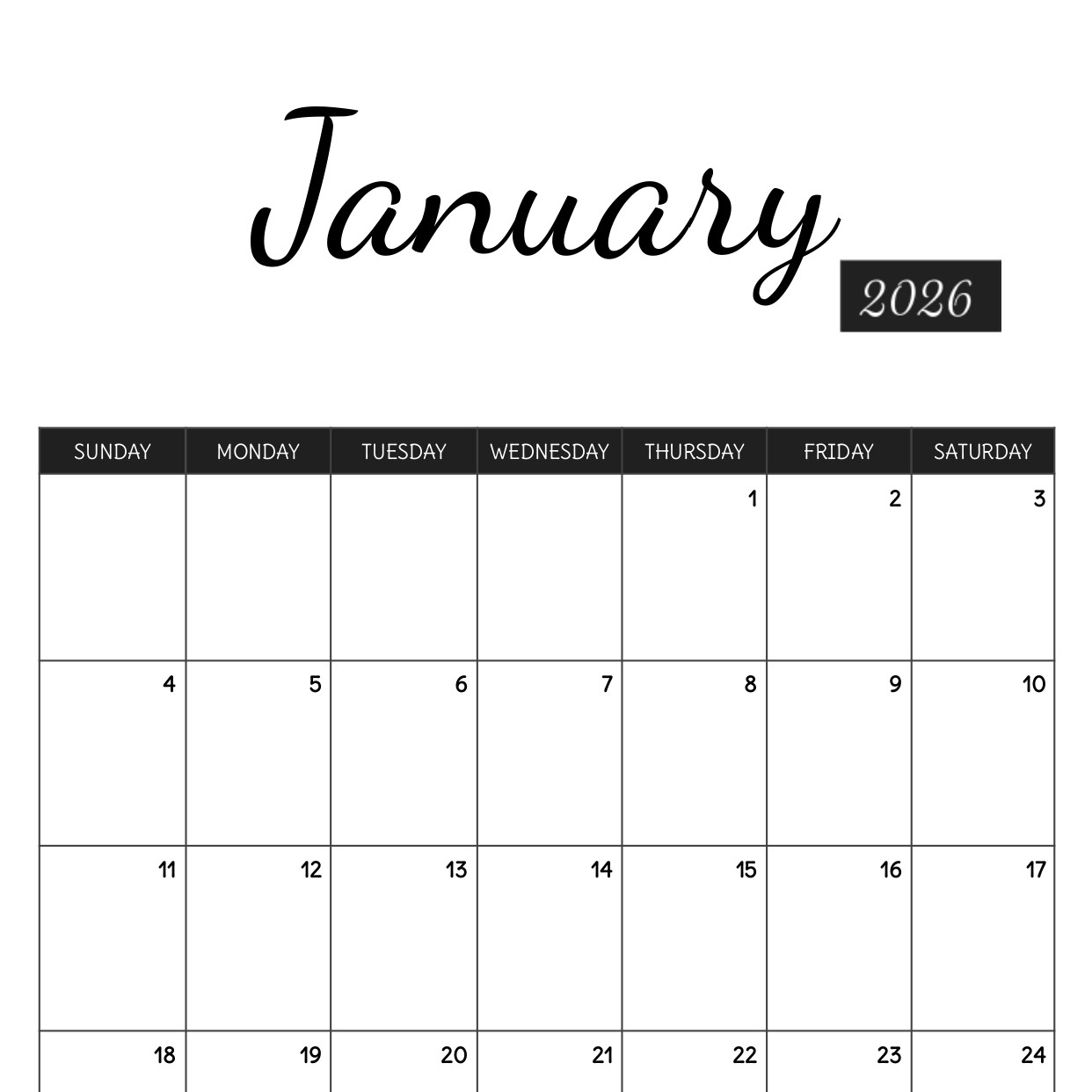

Streamline your planning with our Free 2026 Monthly Calendar Template, specifically designed for Google Docs and PDF. Whether you are coordinating a remote team, tracking academic deadlines, or managing a household, this minimalist, black-and-white design offers a professional and clutter-free layout that stays out of your way.
Because this is a native Google Docs template, you can customize fonts, add digital notes, or share it for real-time collaboration. If you prefer the tactile feel of paper, the high-contrast design is optimized for "ink-saver" printing, ensuring a crisp look on any home or office printer.
Key Features & Benefits:
Fully Editable in Google Docs: No need for expensive software. Simply "Make a Copy" and start customizing your dates, holidays, and personal milestones.
Print-Ready PDF Included: Perfect for those who want a quick, "plug-and-play" printable version without any formatting changes.
Eco-Friendly Design: The classic black-and-white aesthetic is designed to minimize ink usage while maintaining high readability.
Versatile Layout: Features large date boxes for jotting down appointments, birthdays, and "to-do" lists.
Cross-Platform Accessibility: Access your 2026 schedule from your desktop, tablet, or smartphone via the Google Workspace cloud.
100% Free Download: No subscriptions or hidden fees — just a clean, functional tool to help you stay productive.
Also you can download Pdf version
Format: Google Docs
Contributed by: Samantha Reed